
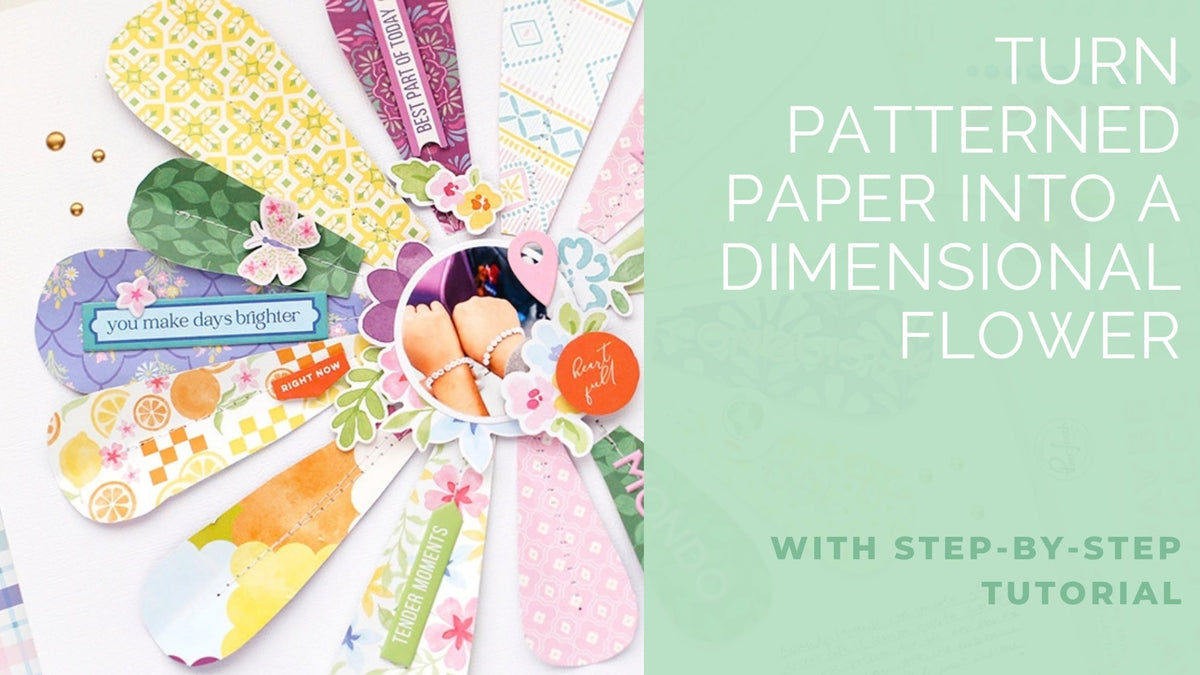
Hello, I’m Eva, and today I’m sharing a new layout featuring the beautiful Crafted Moments collection by Pinkfresh Studio!
For this page, I created a dimensional flower using patterned papers in different sizes. I love how the colorful petals frame the photo and bring so much texture and movement to the layout!
*Disclaimer: All products used are linked below as clickable images. If a product isn’t listed, it’s been discontinued.


Step-by-Step Instructions
- Cut flower petals in different sizes from the 6x8 paper pad of the Crafted Moments collection.
- Arrange the petals on your page to create a flower. Apply just a few drops of glue to the center of each petal to keep the edges free.
- Stitch through the center of the petals using a sewing machine.
- Gently lift the edges of the petals to create dimension and give your flower a more realistic look.
- Place your photo in the center of the flower.
- Add die cuts around the photo, then embellish some of the petals with chipboard pieces, puffy stickers, and enamel dots.

Tip: Don’t glue the entire petals down! Leaving the edges free makes it easy to lift them and create beautiful dimension.
I hope you enjoy this idea and feel inspired to try it on your next layout! Thanks for stopping by!
Eva
Recommended Products
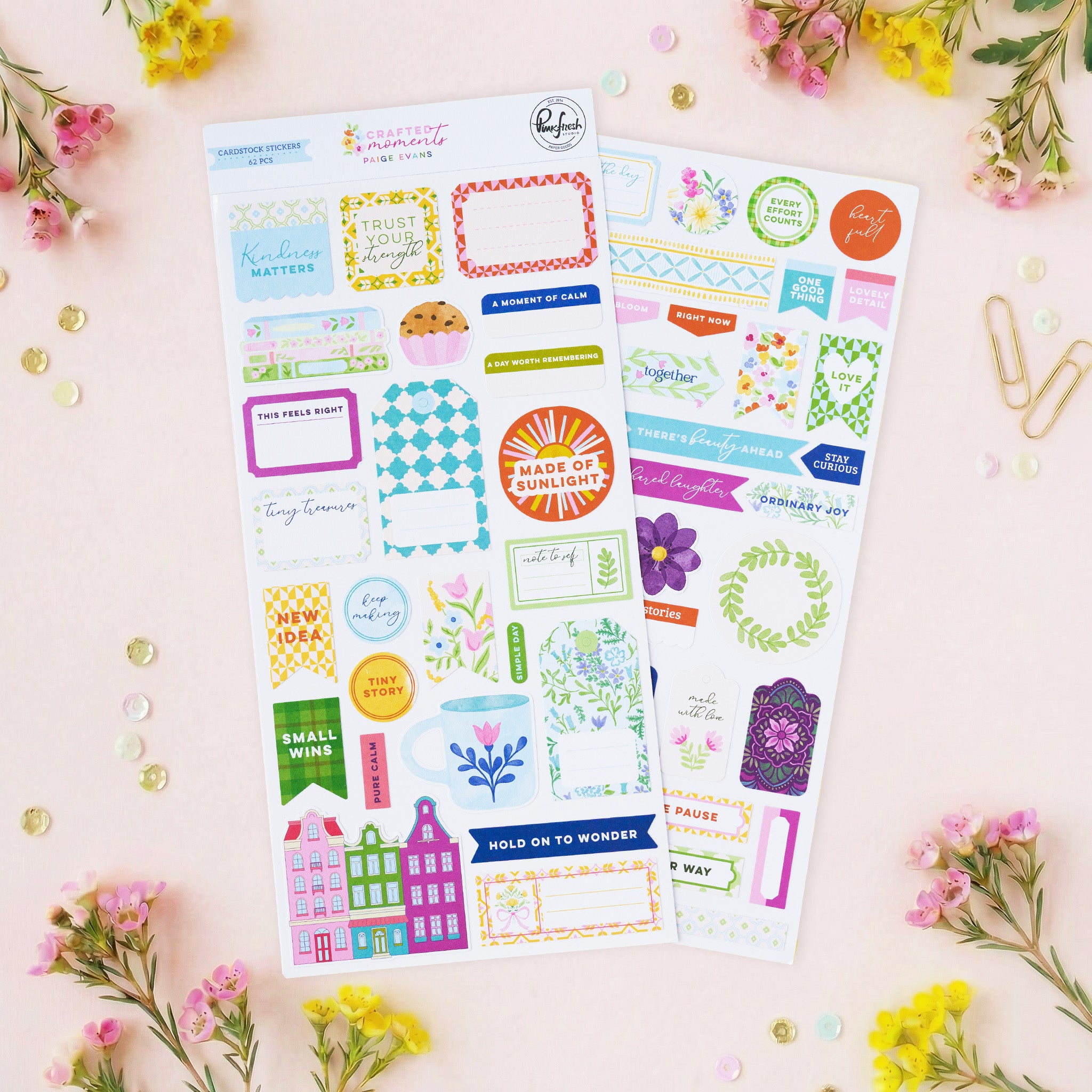
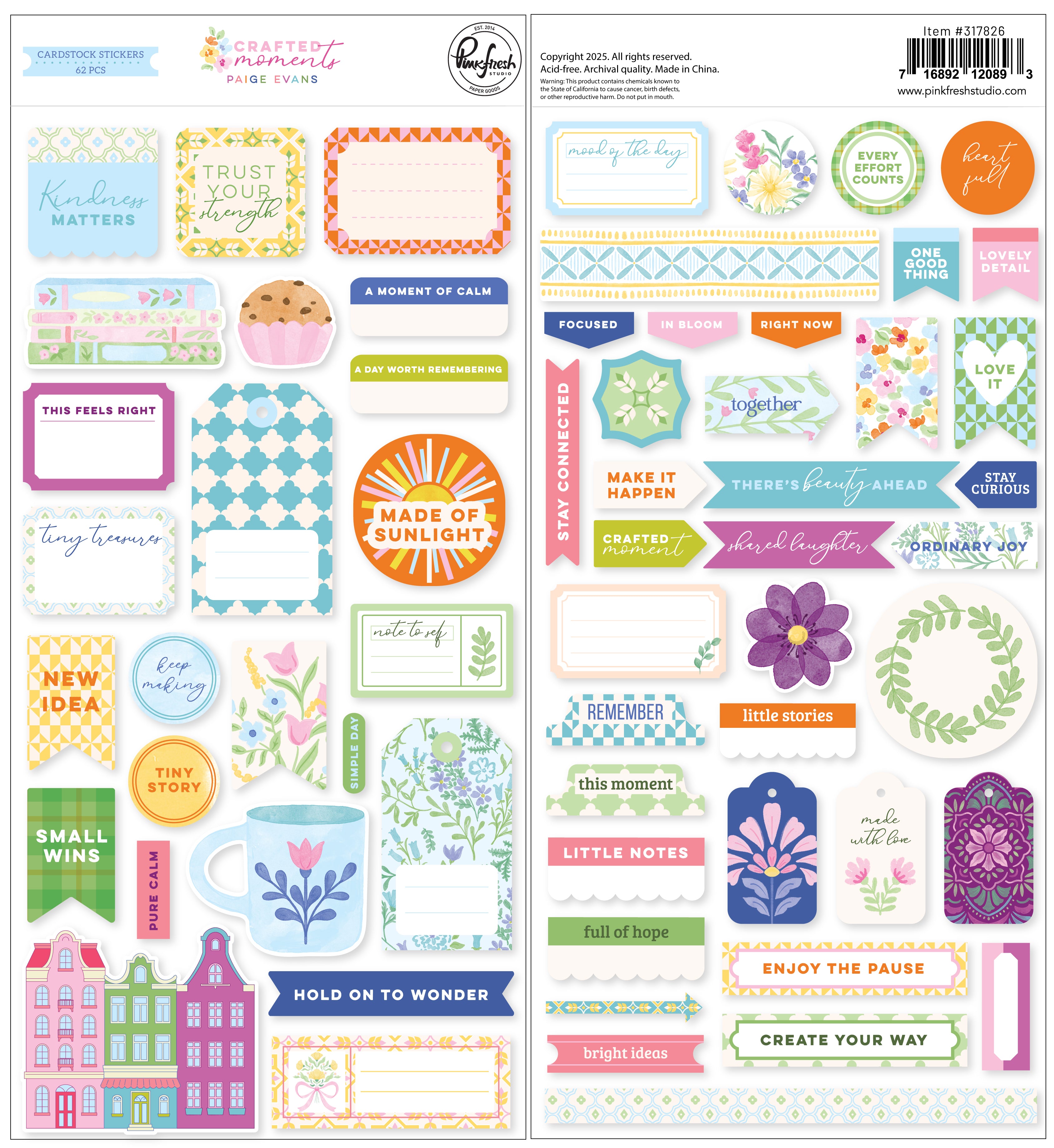


Crafted Moments: Cardstock Stickers
Sale price$6.00
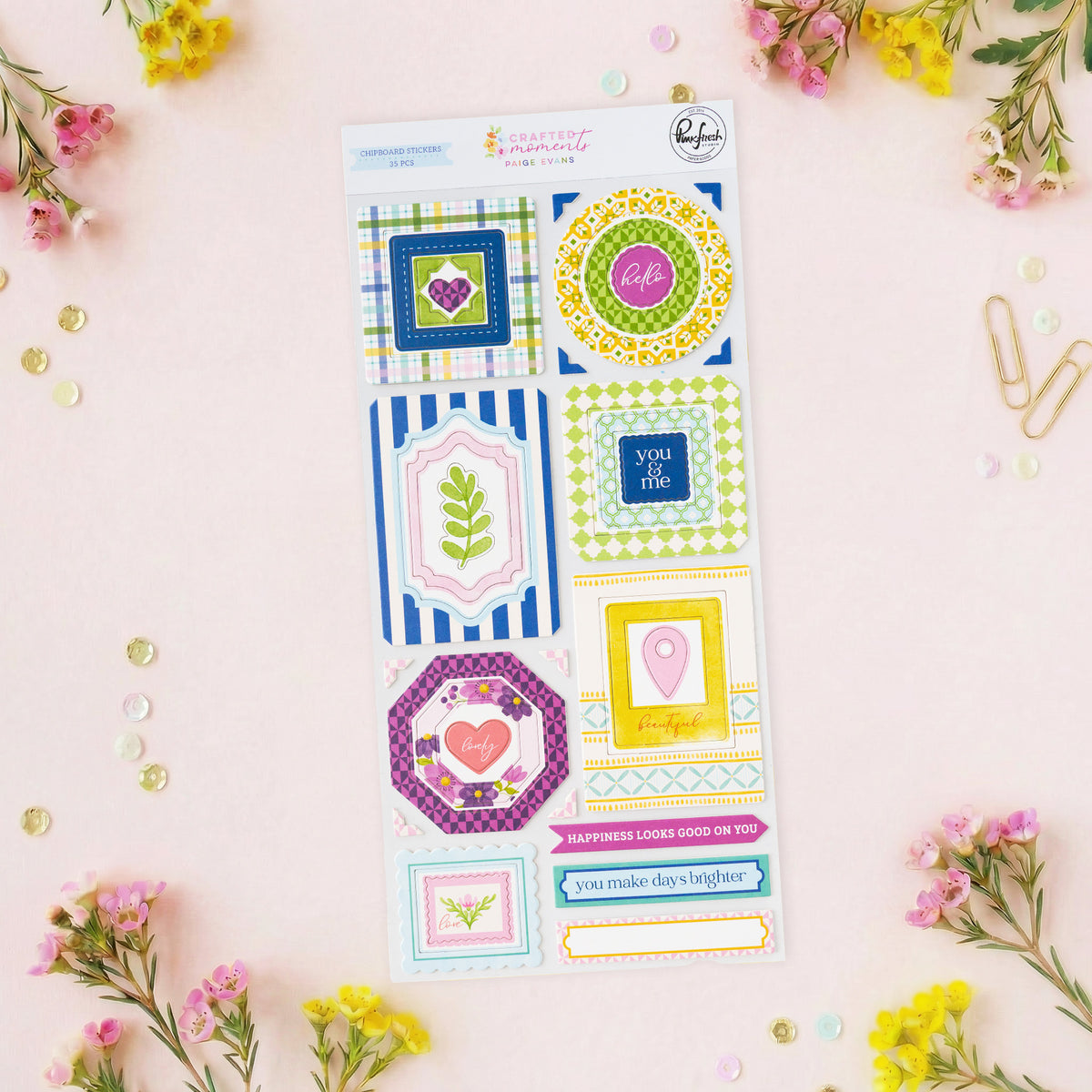
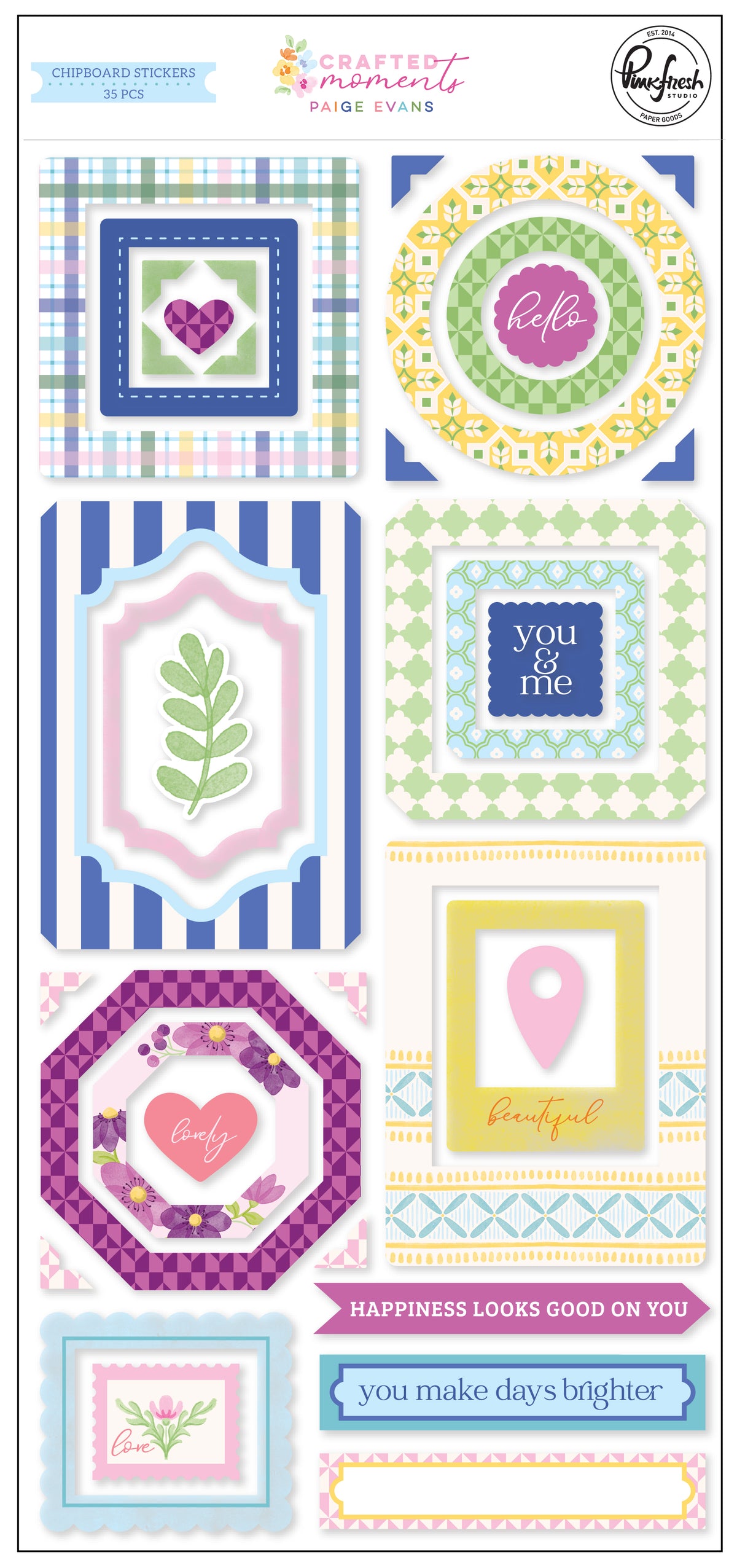


Crafted Moments: Chipboard Stickers
Sale price$7.50
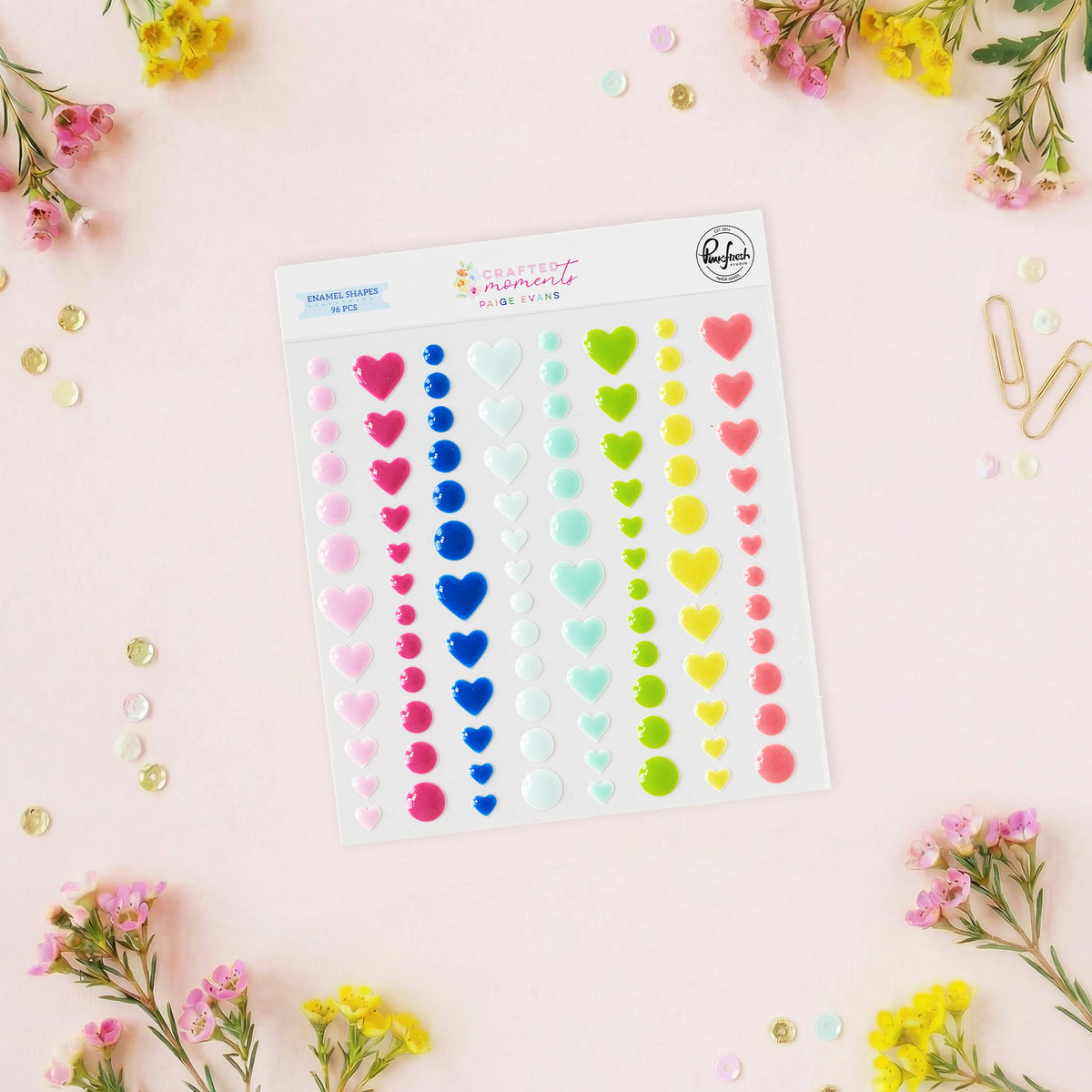
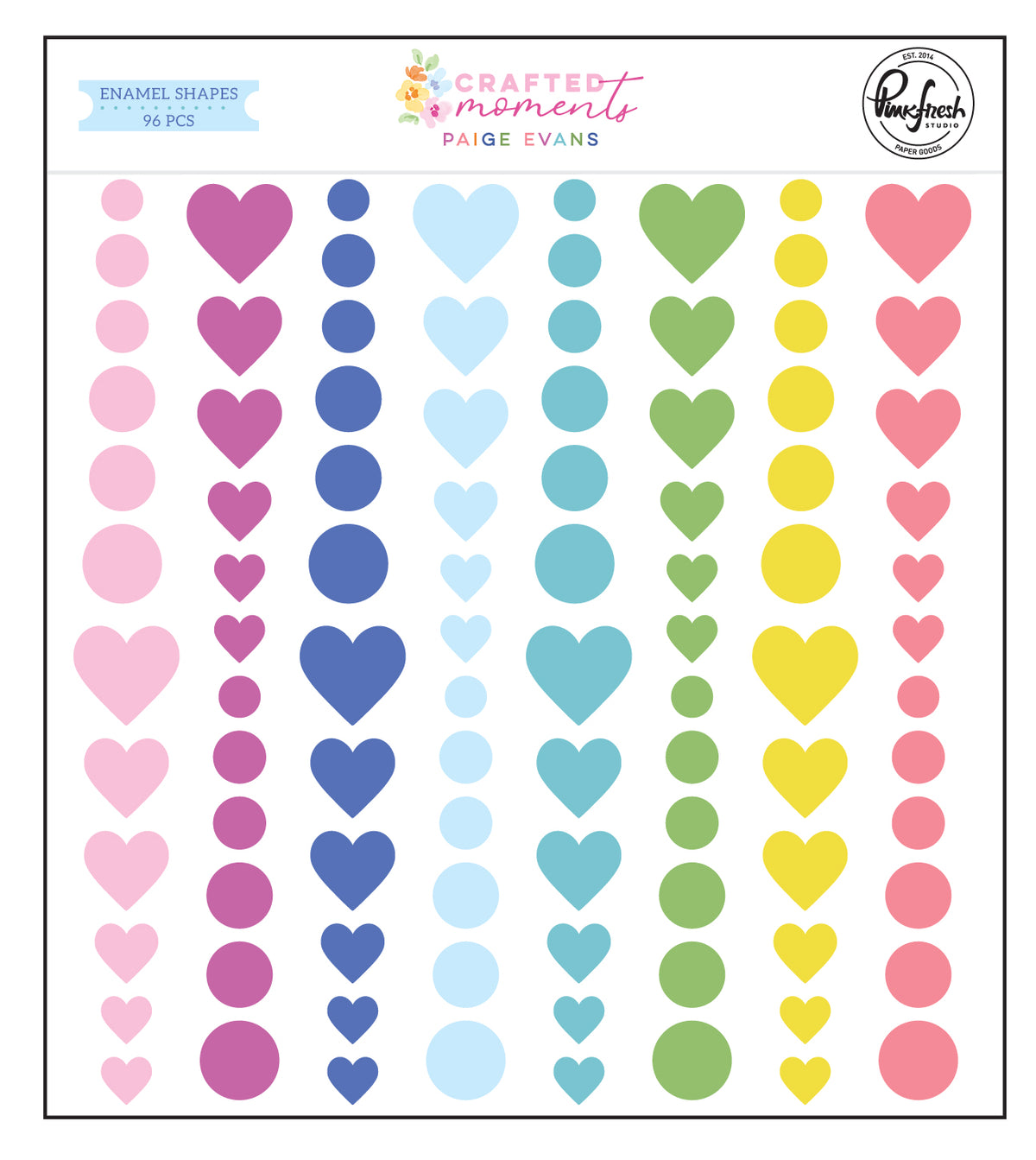


Crafted Moments: Enamel Shapes
Sale price$5.50
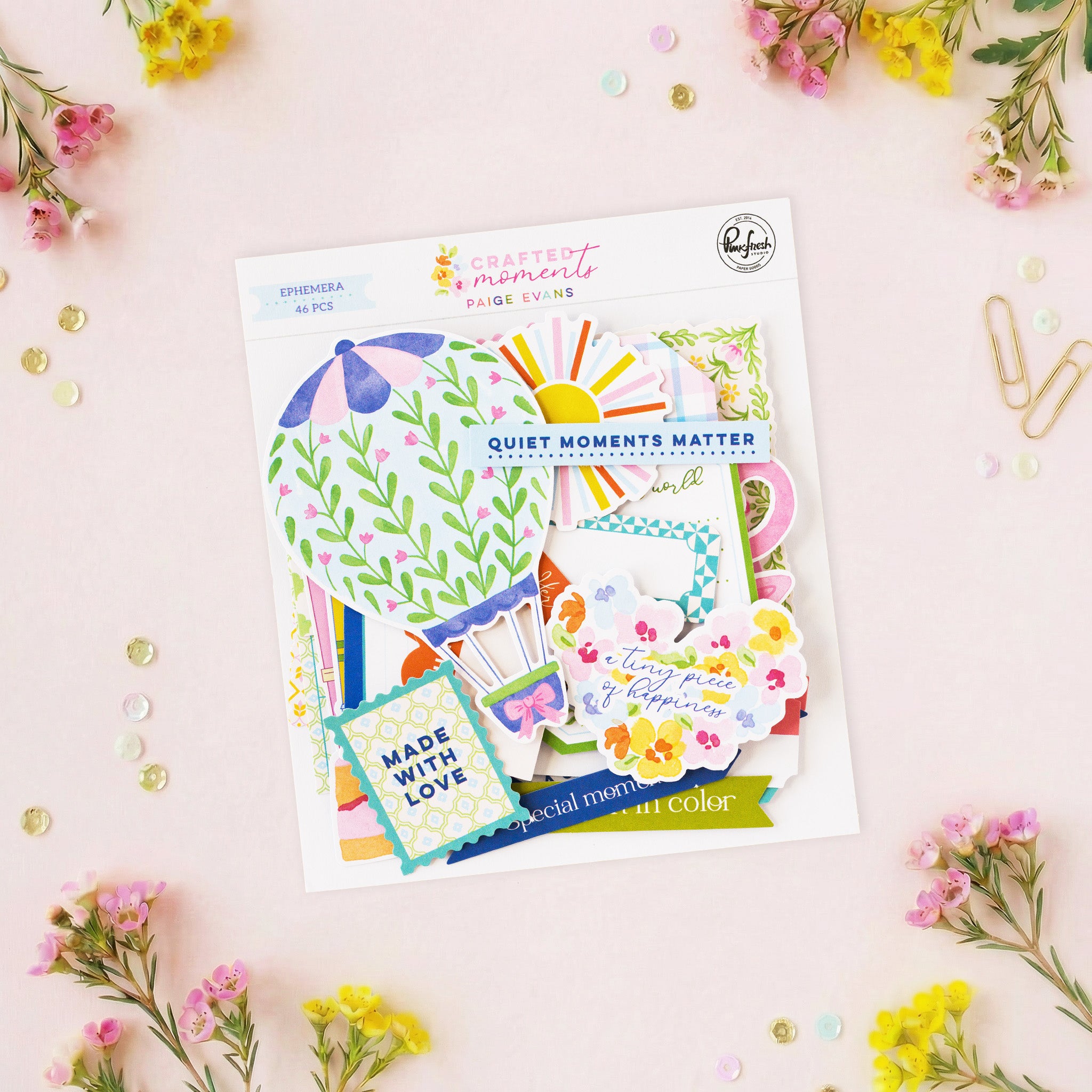


Crafted Moments: Ephemera
Sale price$6.50
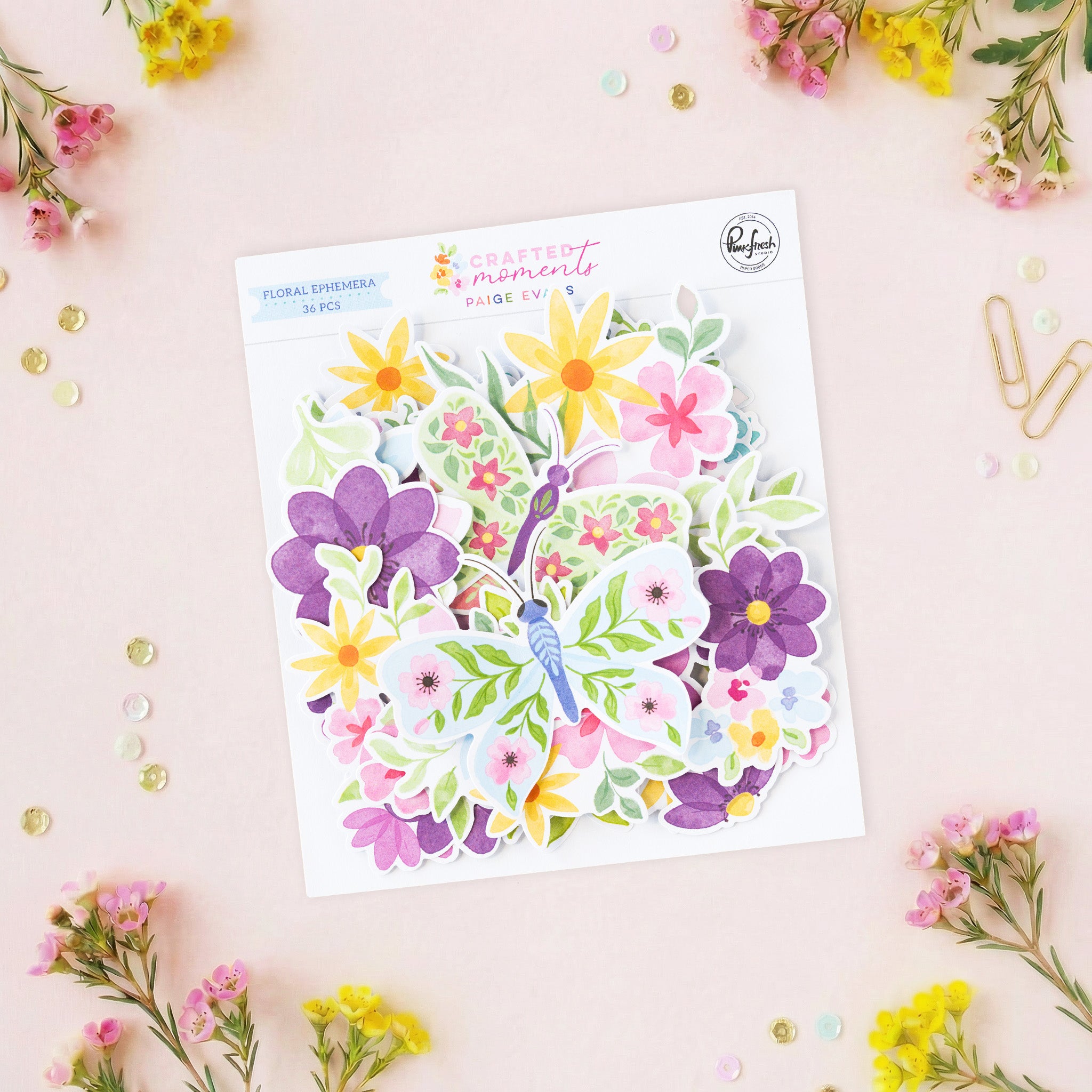
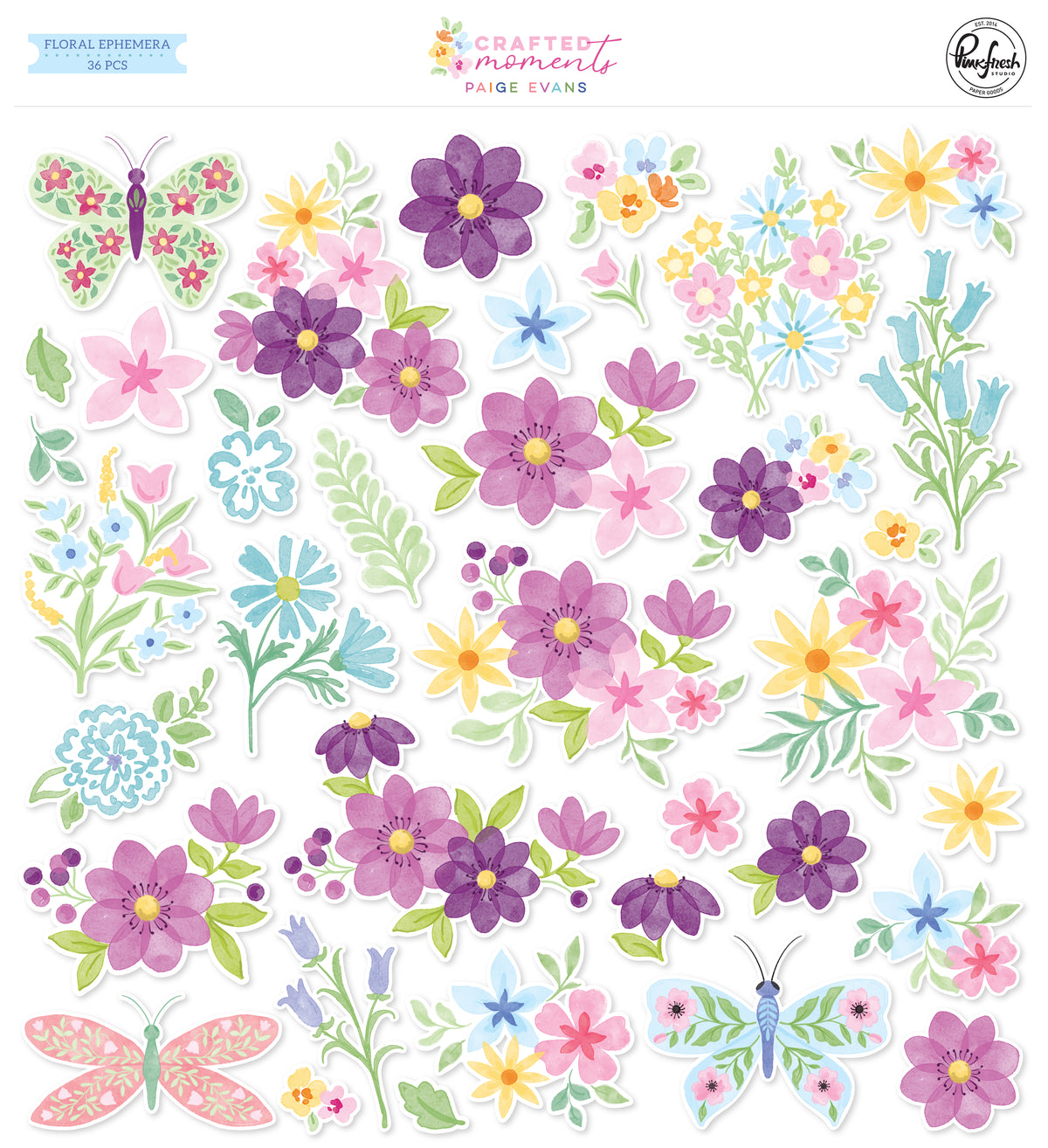


Crafted Moments: Floral Ephemera
Sale price$6.50
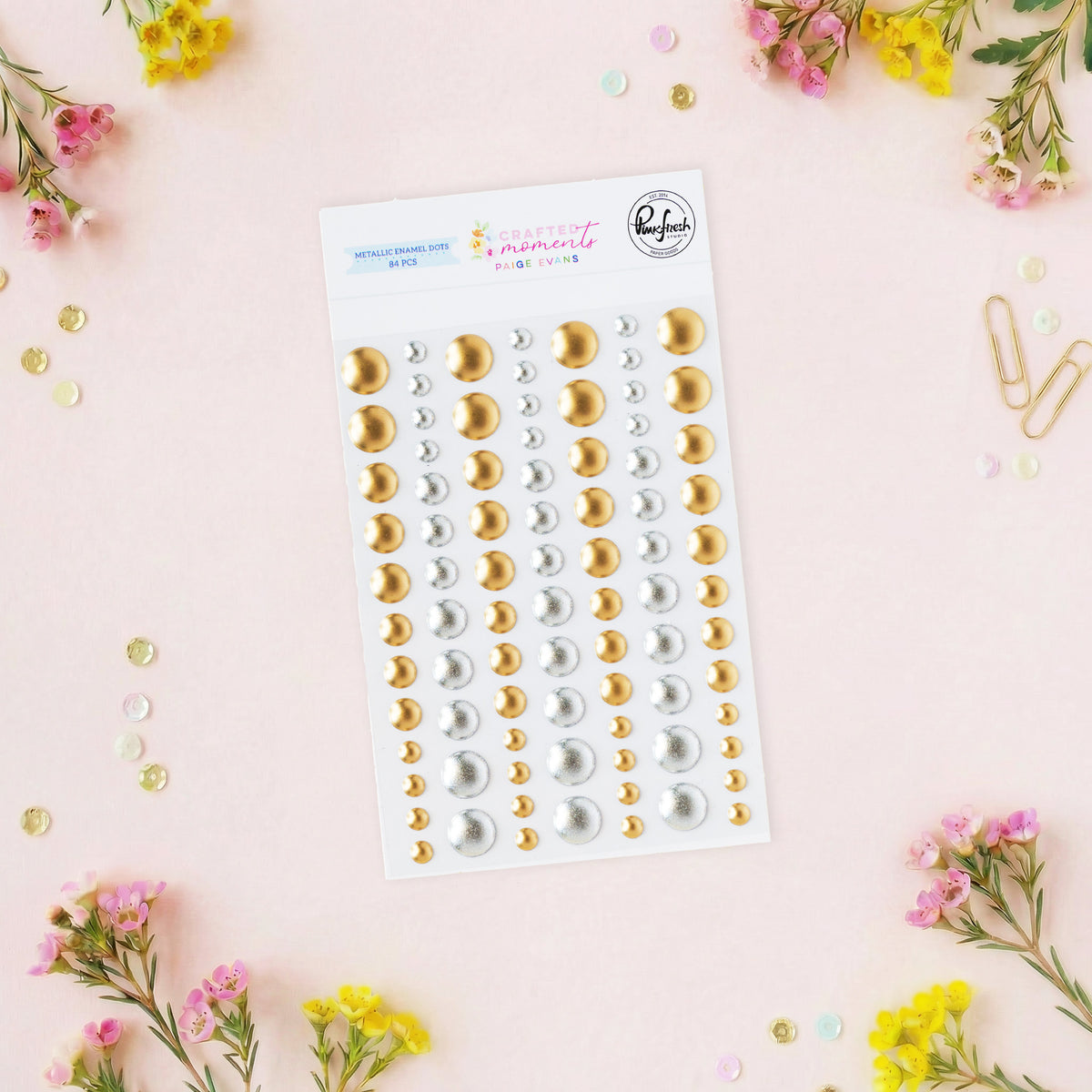
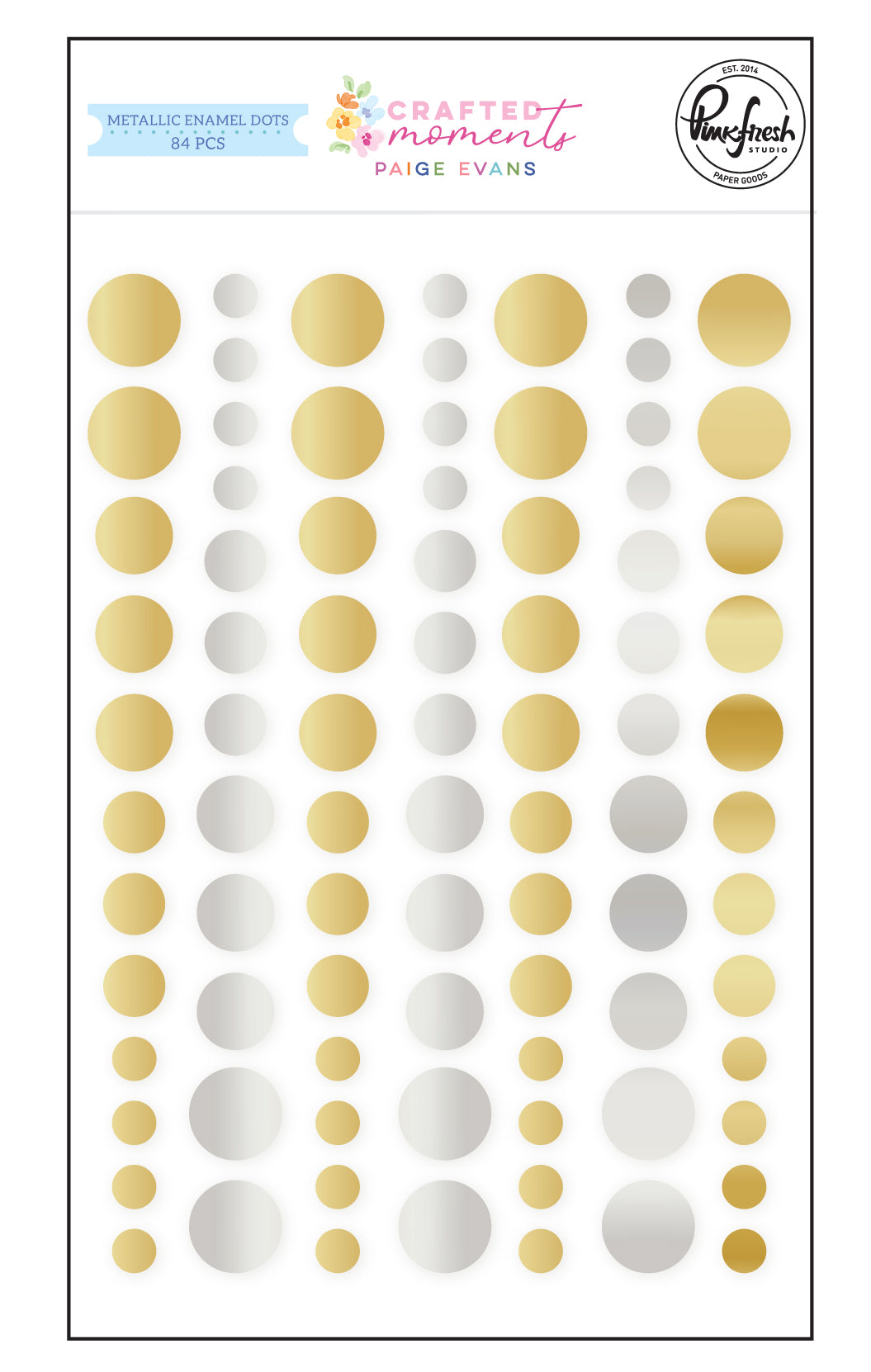


Crafted Moments: Metallic Enamel Dots
Sale price$5.50
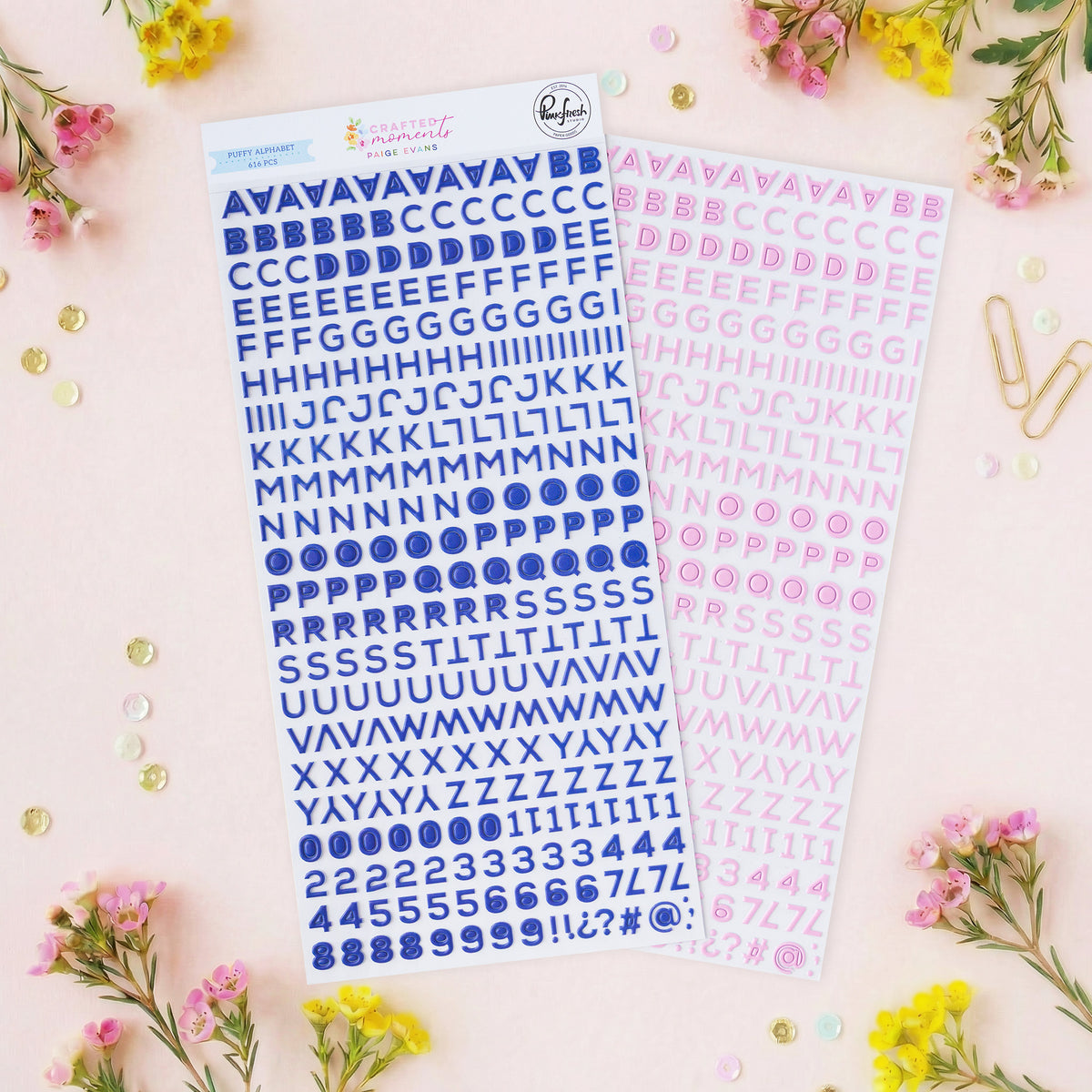
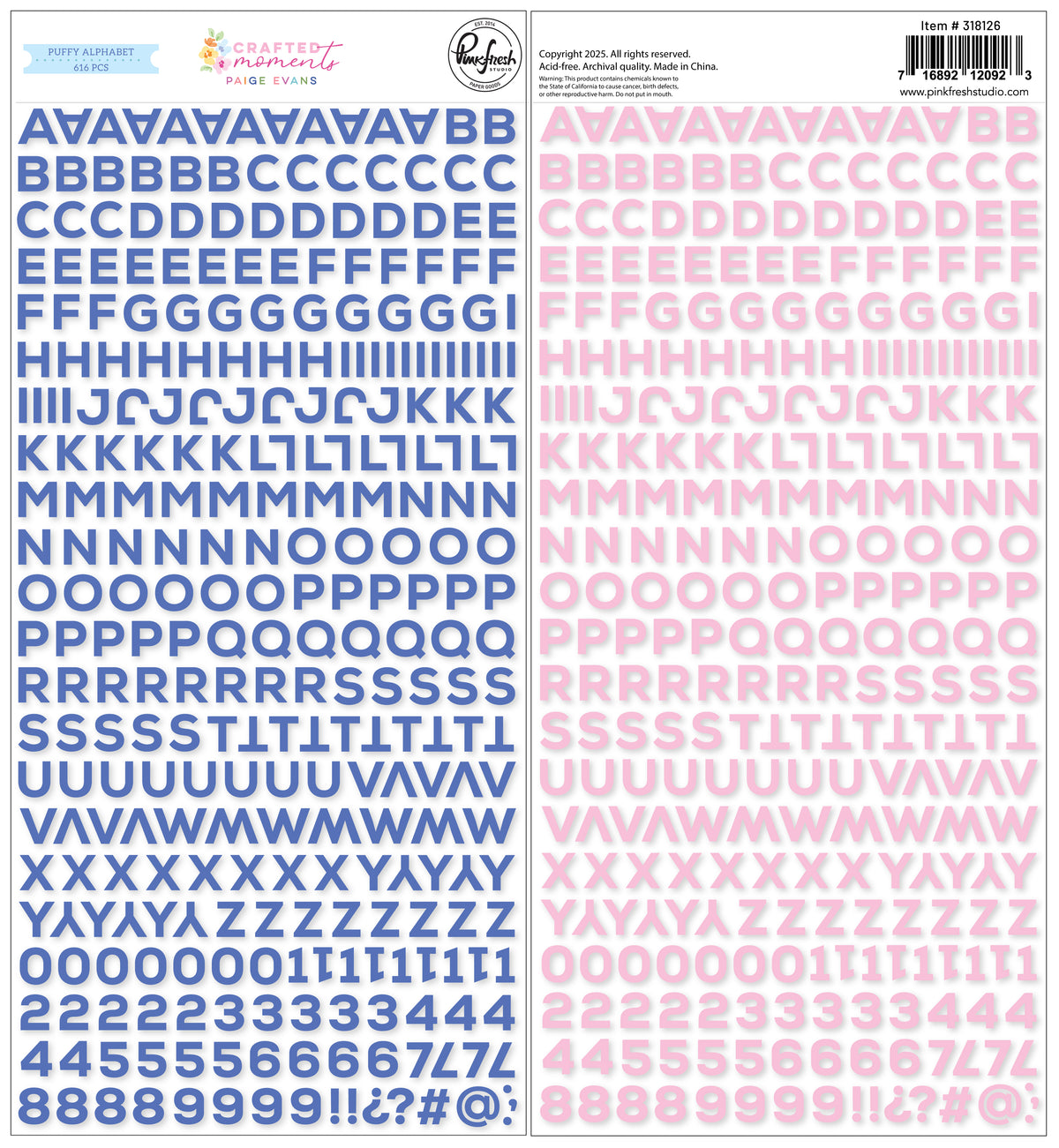


Crafted Moments: Mini Puffy Alpha Stickers
Sale price$7.50
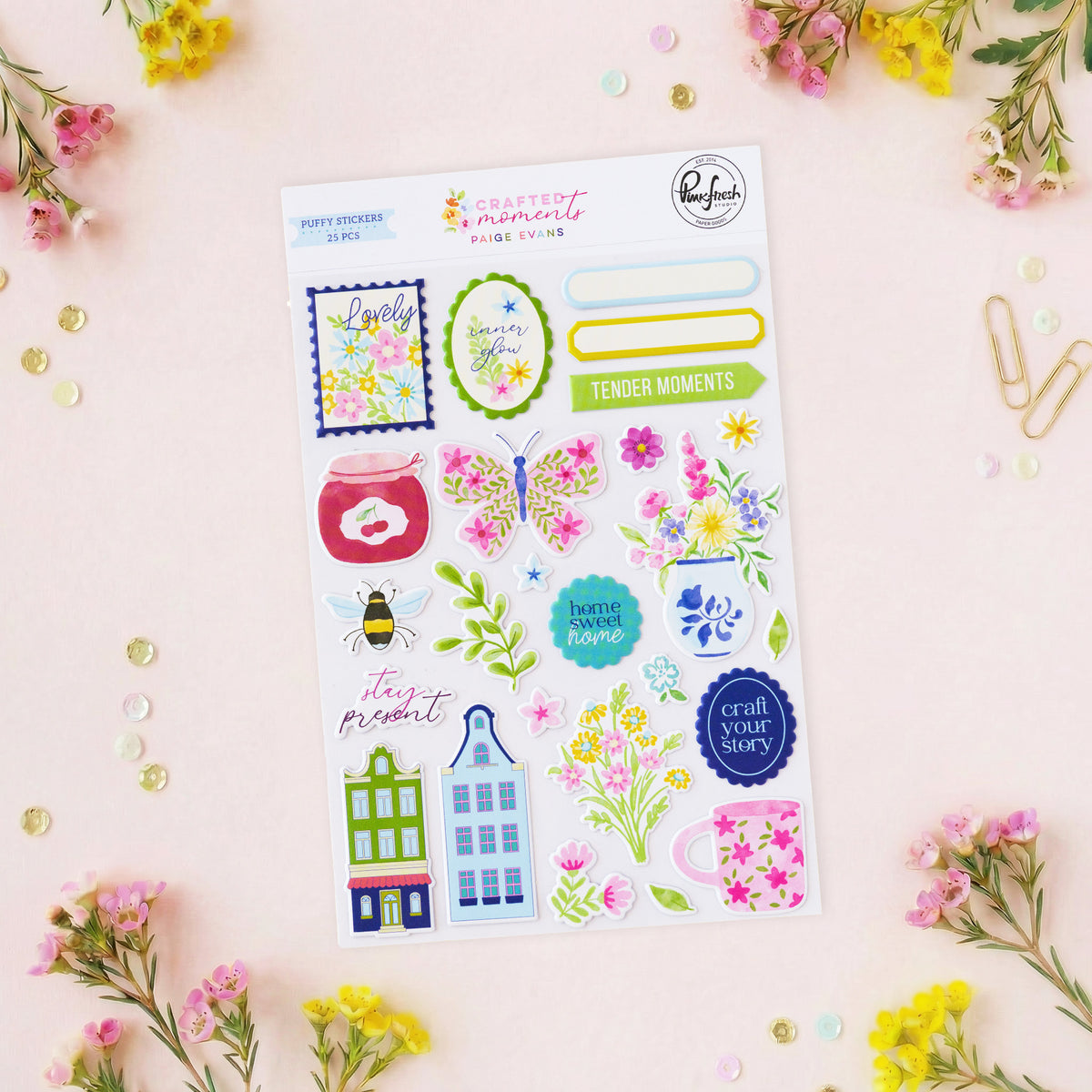
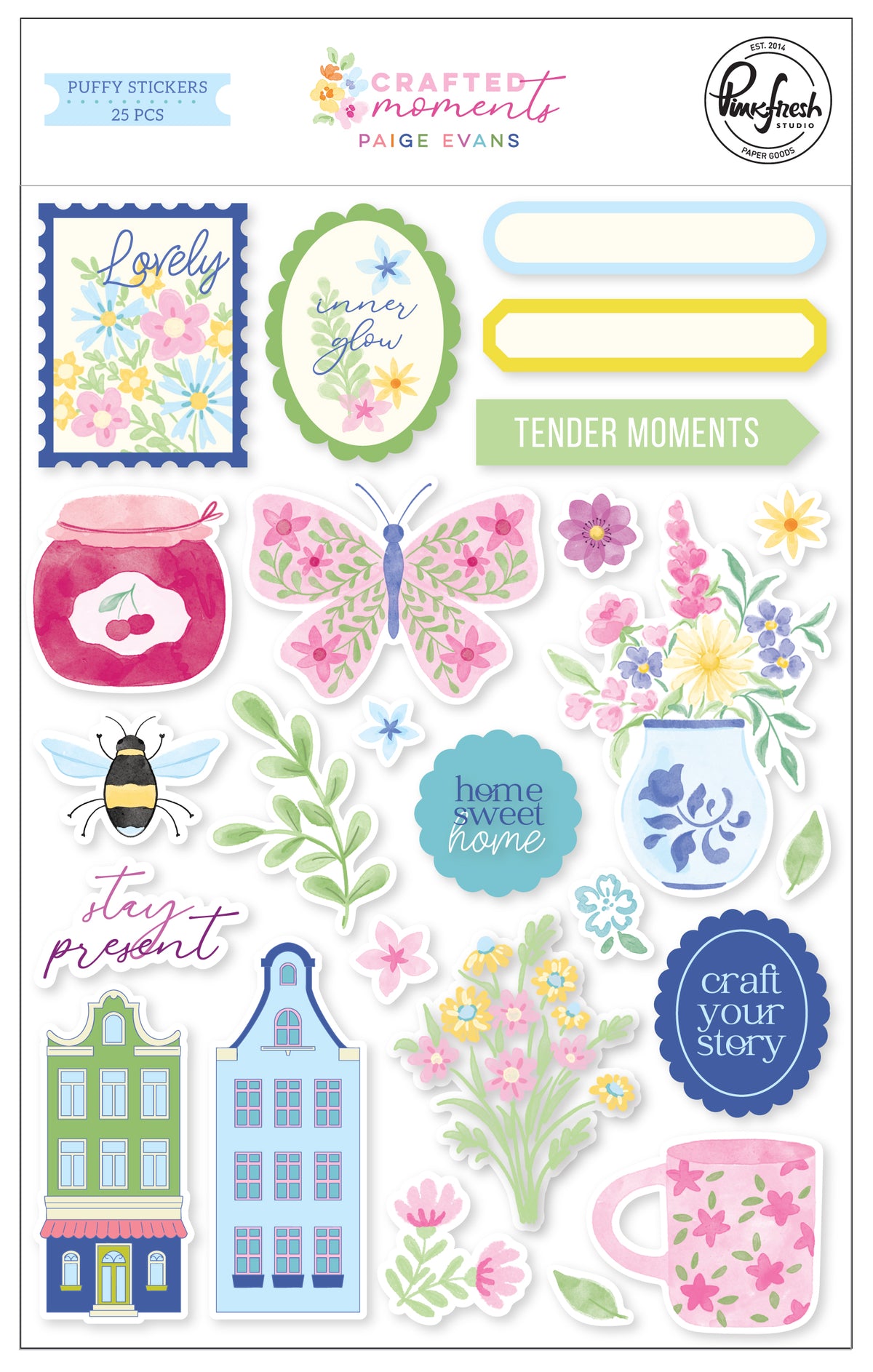


Crafted Moments: Puffy Stickers
Sale price$5.50
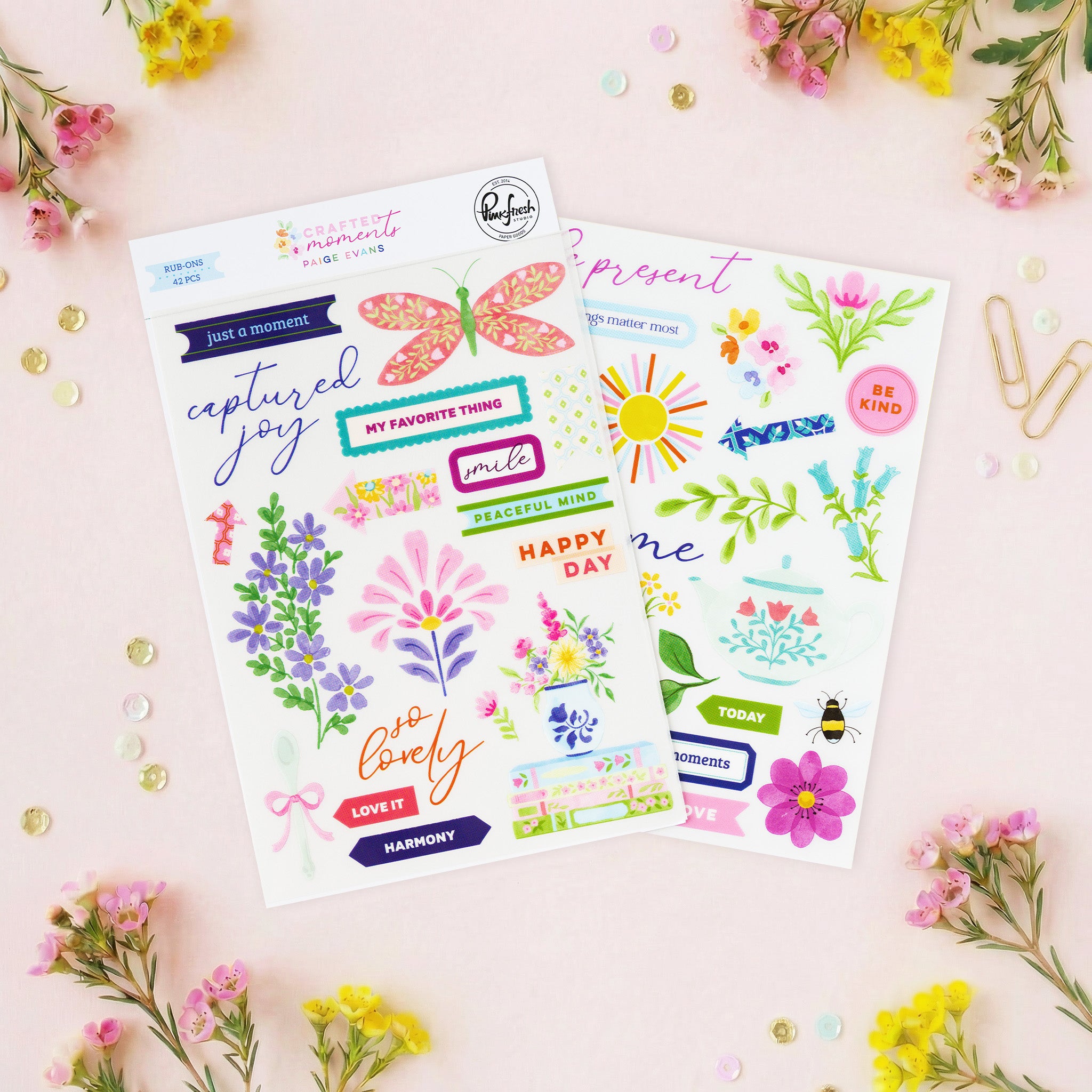
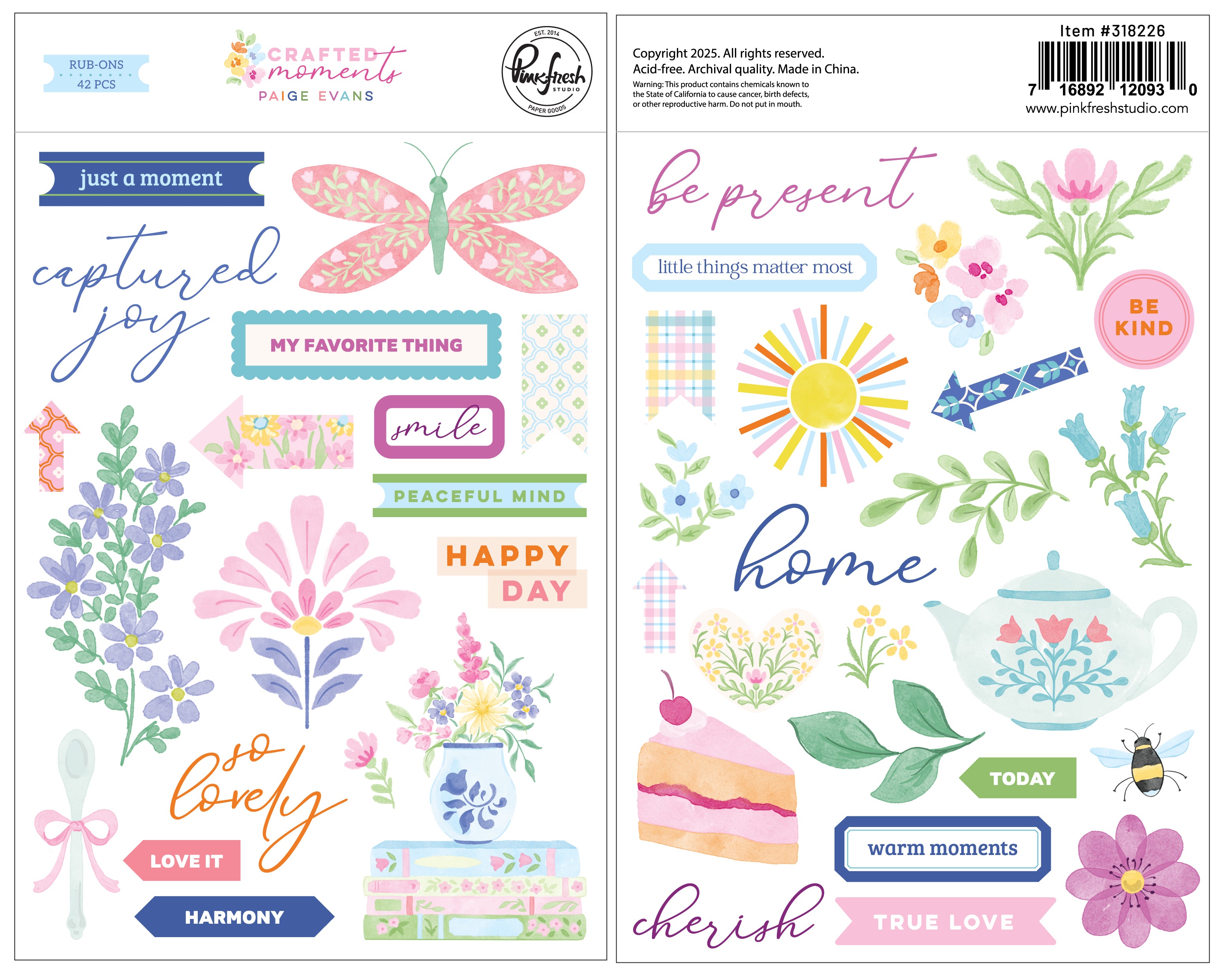


Crafted Moments: Rub-ons
Sale price$6.50
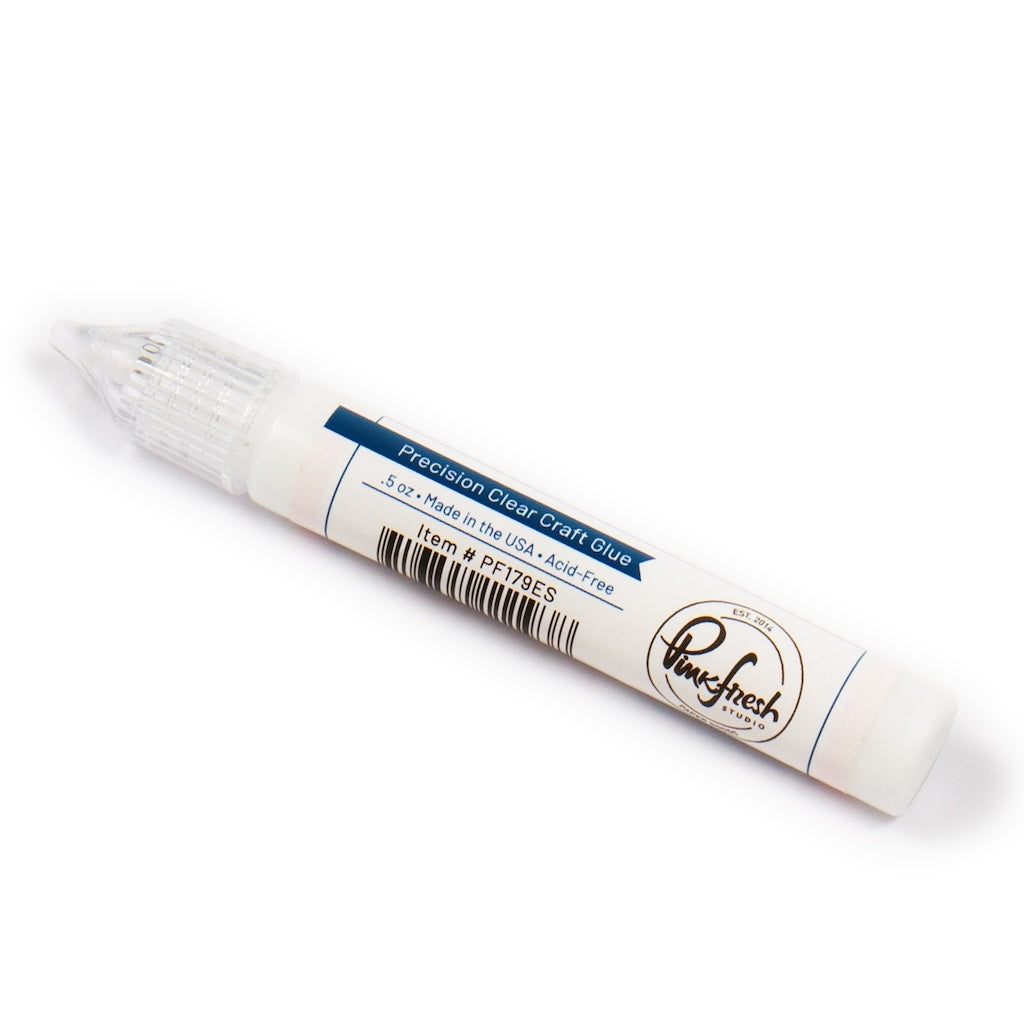

Precision Clear Craft Glue .5 oz
Sale price$5.00
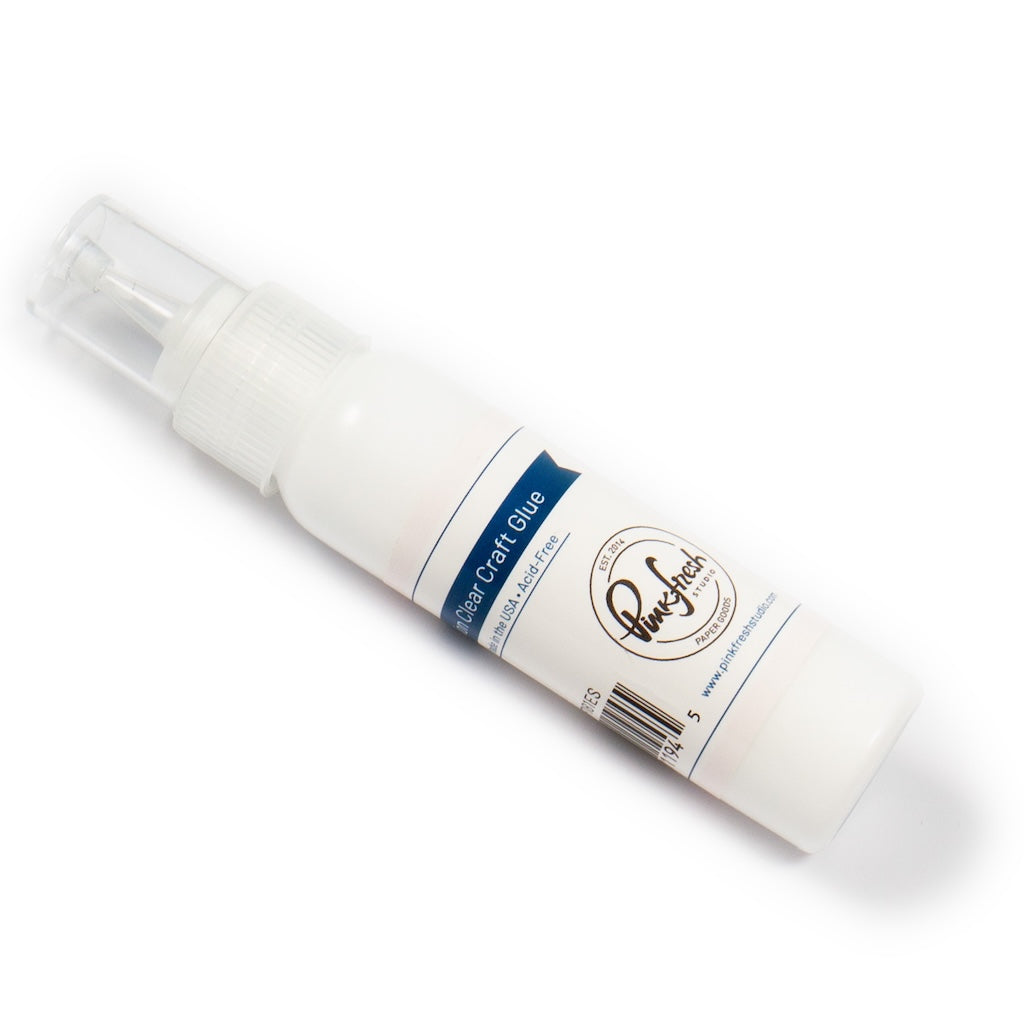

Precision Clear Craft Glue 2 oz
Sale price$10.00

Leave a comment
All comments are moderated before being published.
This site is protected by hCaptcha and the hCaptcha Privacy Policy and Terms of Service apply.