
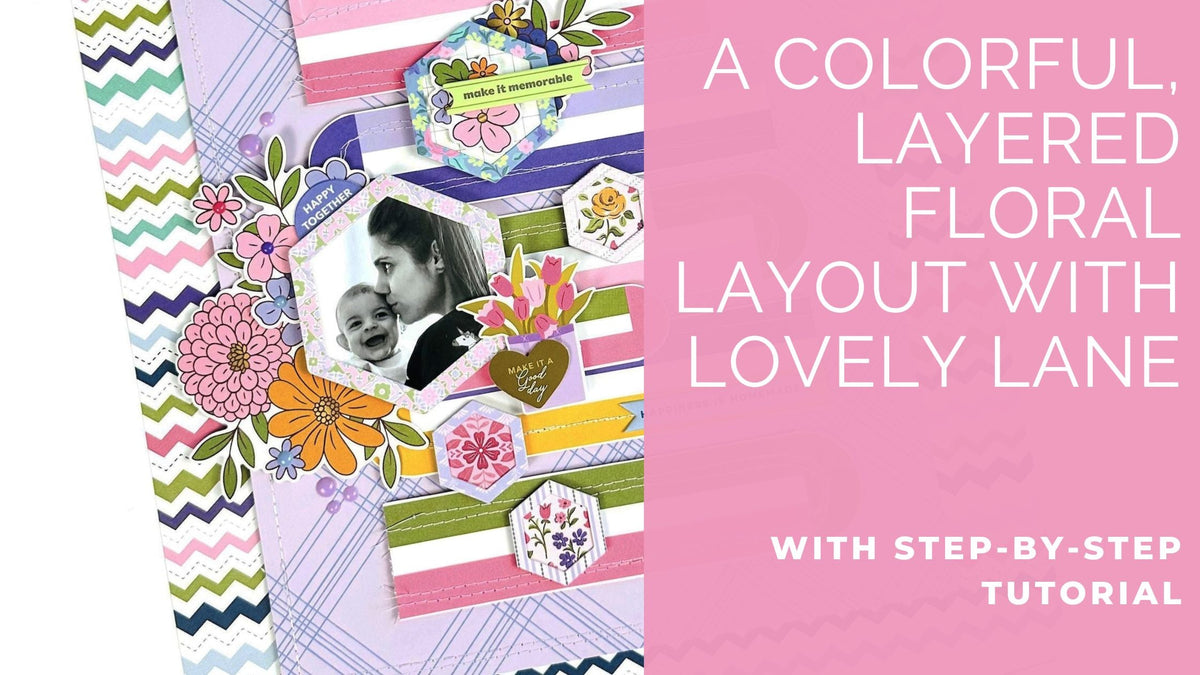
Hello, Pinkfresh friends! It’s Karlla here, and I’m so excited to share this project with you today. This layout was created for the “Year in Review” monthly challenge for January, where I drew inspiration from the August color scheme & its theme (Pattern Play). Those warm, summery tones pair perfectly with the beautiful Lovely Lane collection.
*Disclaimer: All products used are linked below as clickable images. If a product isn’t listed, it’s been discontinued.


Step-by-Step Instructions
-
Cut the purple plaid paper from the 'Very Merry Christmas' collection, 9 1/2" x 10 1/2".
-
Sew along the edge and place it with foam tape over the chevron background paper from Lovely Lane.
-
Cut 5 strips measuring 6 1/2" in length. Optional: Add texture with machine stitching.
-
Adhere the strips onto the layout using foam adhesive.
-
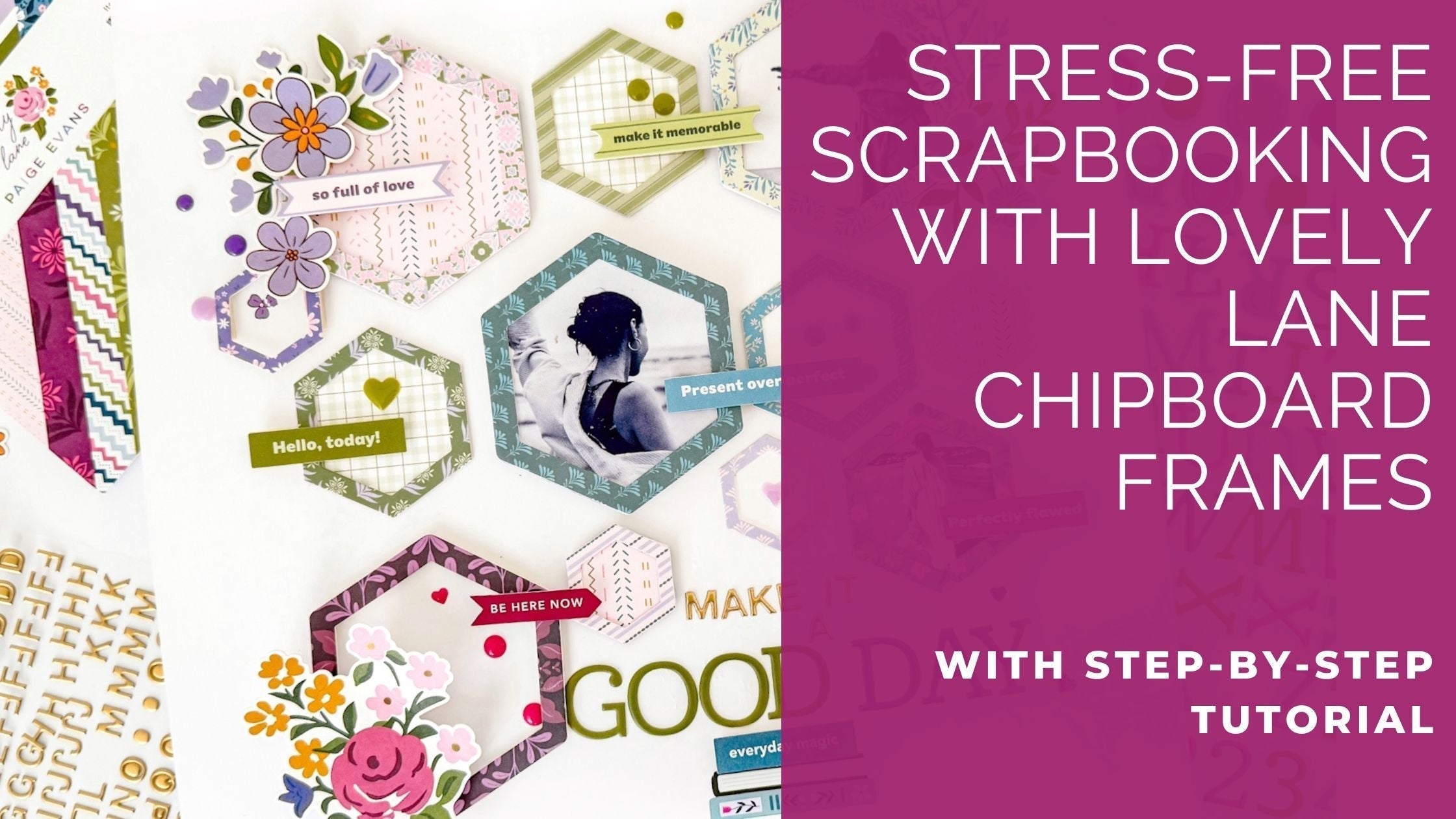
Choose 5 frames from the Lovely Lane Chipboard Stickers. Use the largest one for your photo and back the others with papers from the 6" x 8" paper pack.
-
On the left side of the layout, add two flower arrangements with different layers of foam tape, creating height & dimension.
-
Adhere the framed photo in the middle toward the left side. Add the other frames above and below using foam adhesive.
-
Embellish the frames with floral ephemera and chipboard stickers.
- Add more floral ephemera pieces peeking out from behind some of the frames.
- Add enamel shapes for a finishing touch.


I hope you all enjoy yourselves and have fun creating your projects. I can't wait to see your work for this month's challenge.
With love,
Karlla

Leave a comment
All comments are moderated before being published.
This site is protected by hCaptcha and the hCaptcha Privacy Policy and Terms of Service apply.